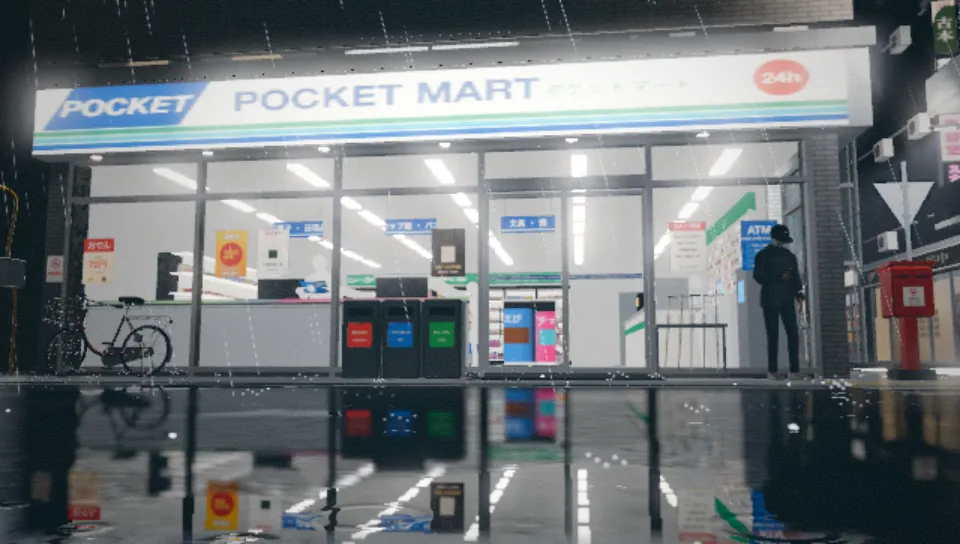
Pocket Atlas
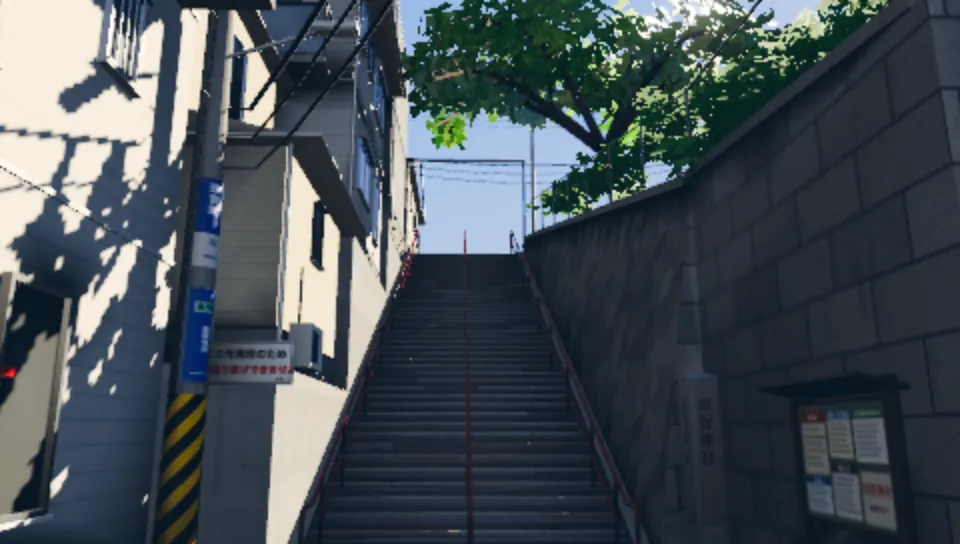
Real places, at the best image a handheld holds at 30 fps.
- DSLa place kitsigns, glass, water, light fields
- IRPlaceIRglTF with a note on what each part is
- renderersGXM, PICA200reflections, rain, 52,000 point-sprite lights
Pocket3D is a hardware-native 3D stack for portable interactive software.
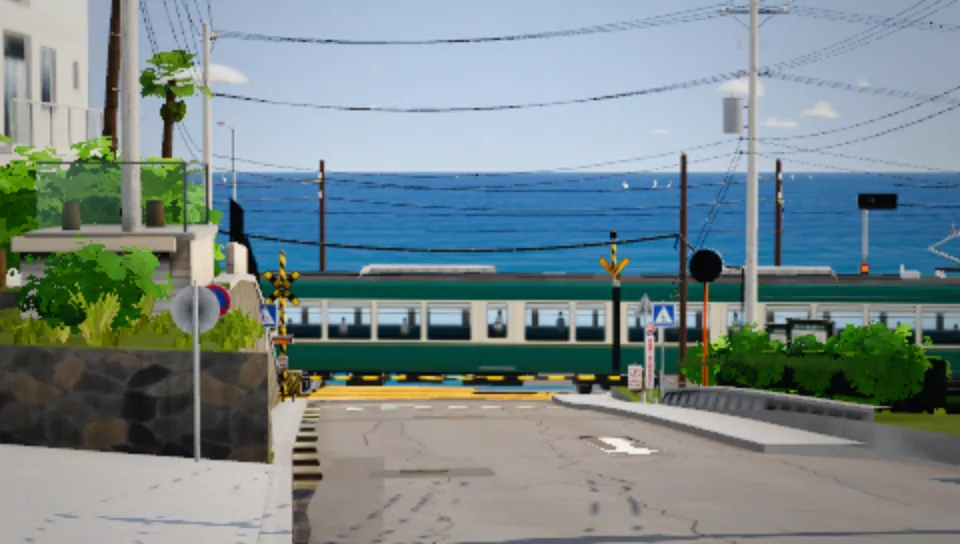
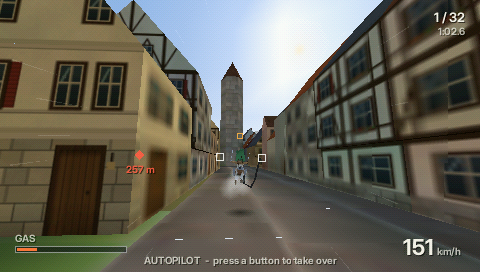
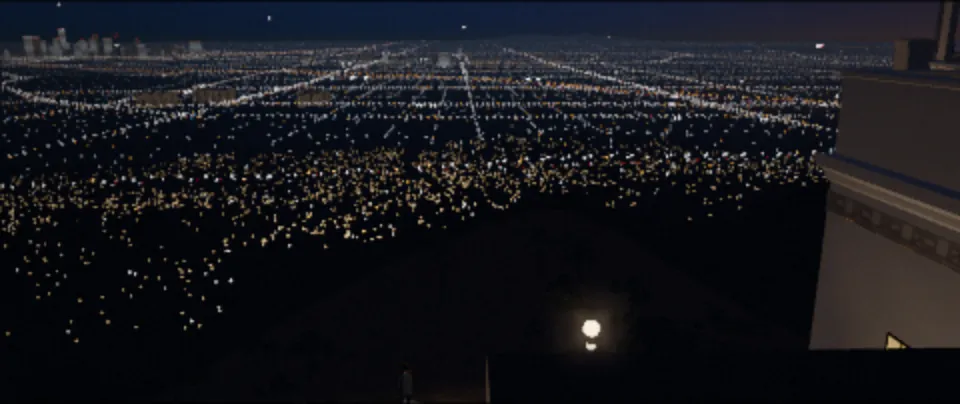
Built to use each machine in full.
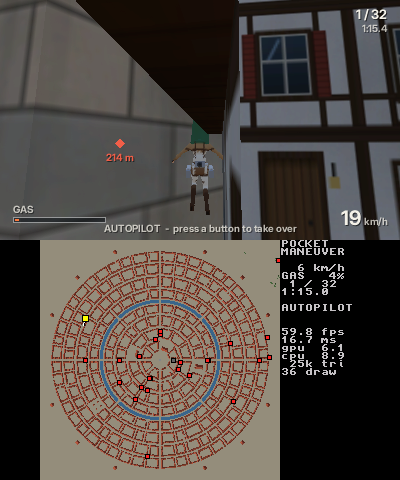
Most cross-platform engines flatten every console down to what they all share. Pocket3D is designed the other way round. A game gets a renderer for each machine, so the PSP's fixed pipeline, the 3DS's glasses-free 3D screen and the Vita's GXM driver are all there to be used.
One renderer has to run on all three, so it draws with what all three share. Everything above the line goes unused. A renderer for each machine keeps everything above the line in reach.
16 → 7 msThe GE has no shaders, so lighting is baked into vertex colours and textures are packed as palettes. A street's GE time dropped by more than half.
250 → 60 drawsOne position grid for the whole world lets a run of meshes go out in one call. The lower screen carries the town plan.
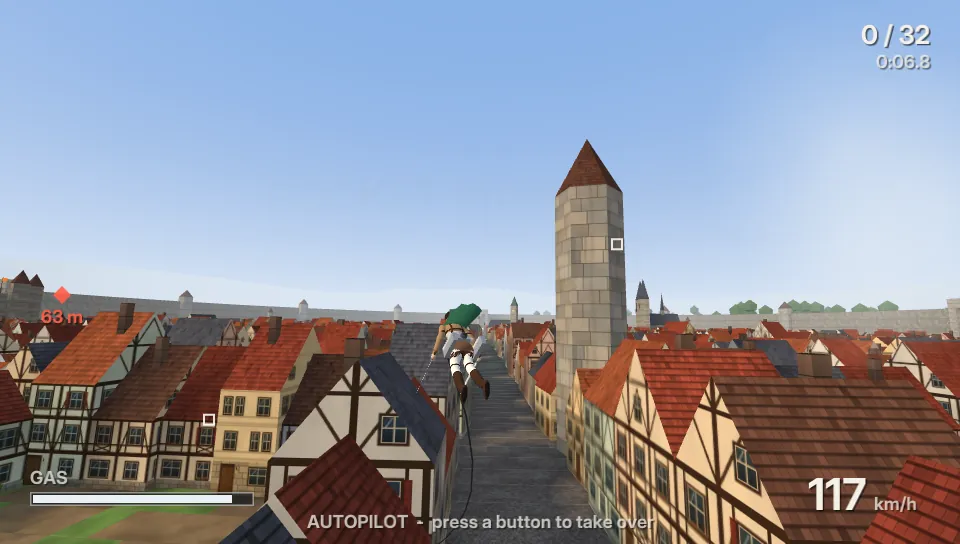
0 late framesCg programs are compiled on the device. The scene renders at 960 × 544 with 4× MSAA and a post chain, and still holds 60 fps.
One source of truth, compiled for every target.
The game is modelled once, as Three.js content that runs in a browser. A compiler lowers that semantic scene to each platform, the way LLVM takes one program to many processors. Hardware-native depends on it: each back end is free to emit what its own GPU wants.
Meshes, materials, lights and motion, with a note on each part that says what it is.
The scene as meaning, with no GPU in it yet.
BC1 atlas, 16-byte vertices, Cg programs
RGB565 Morton tiles, one world grid, meshes in runs
8-bit palette pages, 12-byte vertices, clip groups


Every game gets an engine of its own.
Pocket3D is not one engine that every game has to squeeze into. Each game builds on it with its own scene DSL, its own IR and its own renderers, and all three are tuned to that one game.
Real places, at the best image a handheld holds at 30 fps.
Wire traversal through a town of 5,400 houses, at 60 fps.
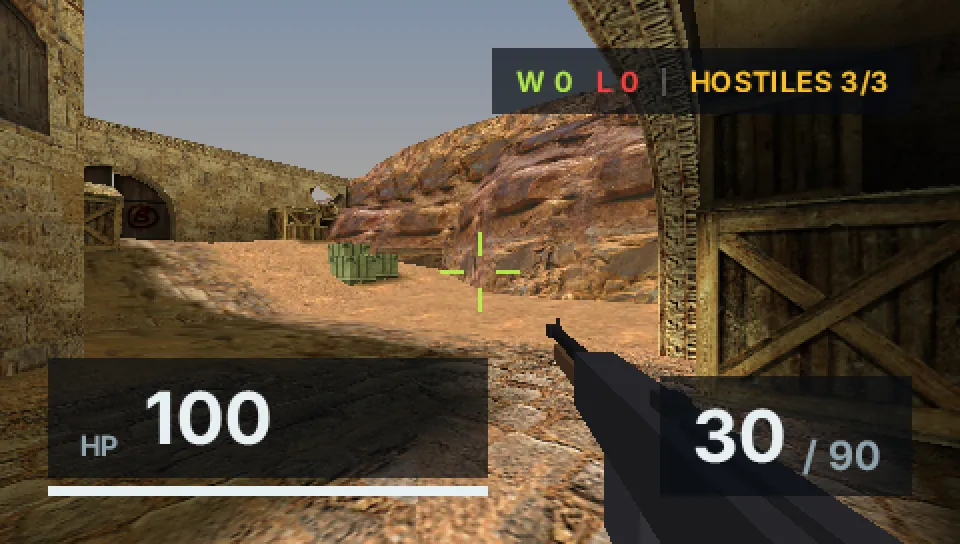
A round-based shooter on classic maps, locked at 60 fps on a PSP.
Pocket3Ddevice kernels and toolchains: GXM memory and patching, GE frame storage, PICA texture storage
Making a game is writing code.
The whole workflow is an agent writing Three.js and a scene DSL. There is no editor to click through and no binary scene to edit by hand, so a game, or any rich interactive scene, can be made entirely by coding. Every step after the writing is a command the agent runs.
youThe LED band over the Radio Kaikan shopfront should chase, like the real one.
agentAdded a 32-frame flipbook sign on the band. On the Vita it costs what a still sign does.
// Housing: yellow steel, the face covered by the LED bars.
const housing = lib.plain(0xc9a20e, 0.5, 0.2);
w.mesh(box(bw, bh, zf + 0.3), housing, …);

const sign = w.addSign(new Sign("kaikan-band", tex,
  new Color(1.9, 1.7, 1.25),
  { flipbook: { frames: 32, cols: 1, rows: 32, fps: 6 } }));
w.mesh(frameUV(new PlaneGeometry(bw - 0.06, bh - 0.06), 1, 32),
  sign.material, …);
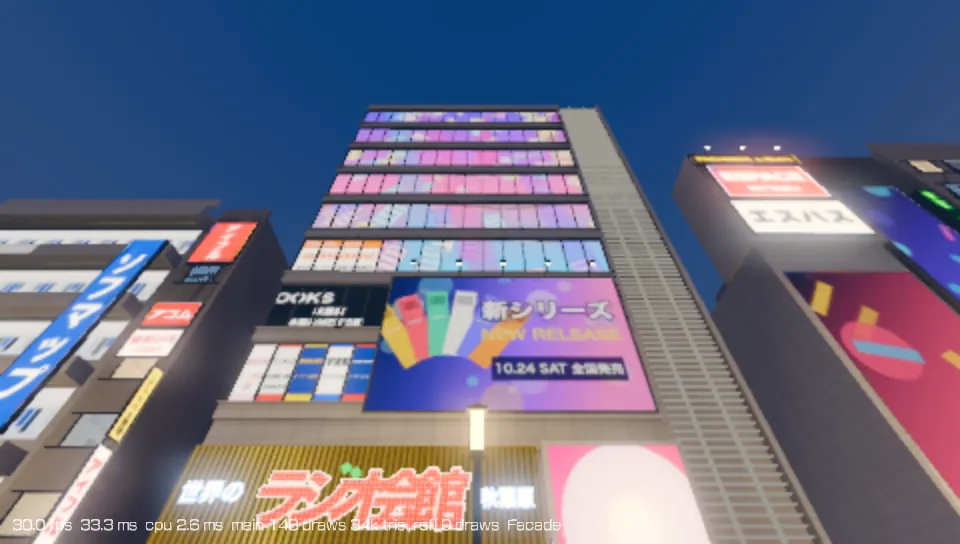
The same sign on a PS Vita, at 30 fps. An example exchange; the code is abridged from Pocket Atlas.
Three.js and the scene DSL. It runs in a browser at once.
bun run devLower the scene to one console's formats, with budgets checked.
bun tools/maneuver.ts cookReplace the binary running on the console.
bun tools/maneuver.ts nativeFly a fixed route and read back the late frames.
bun tools/maneuver.ts benchread the numbers, write again
The GXM, GE and PICA device kernels are open source in the PocketJS repository, with the toolchain pins they build on.